
A Roblox hub per store
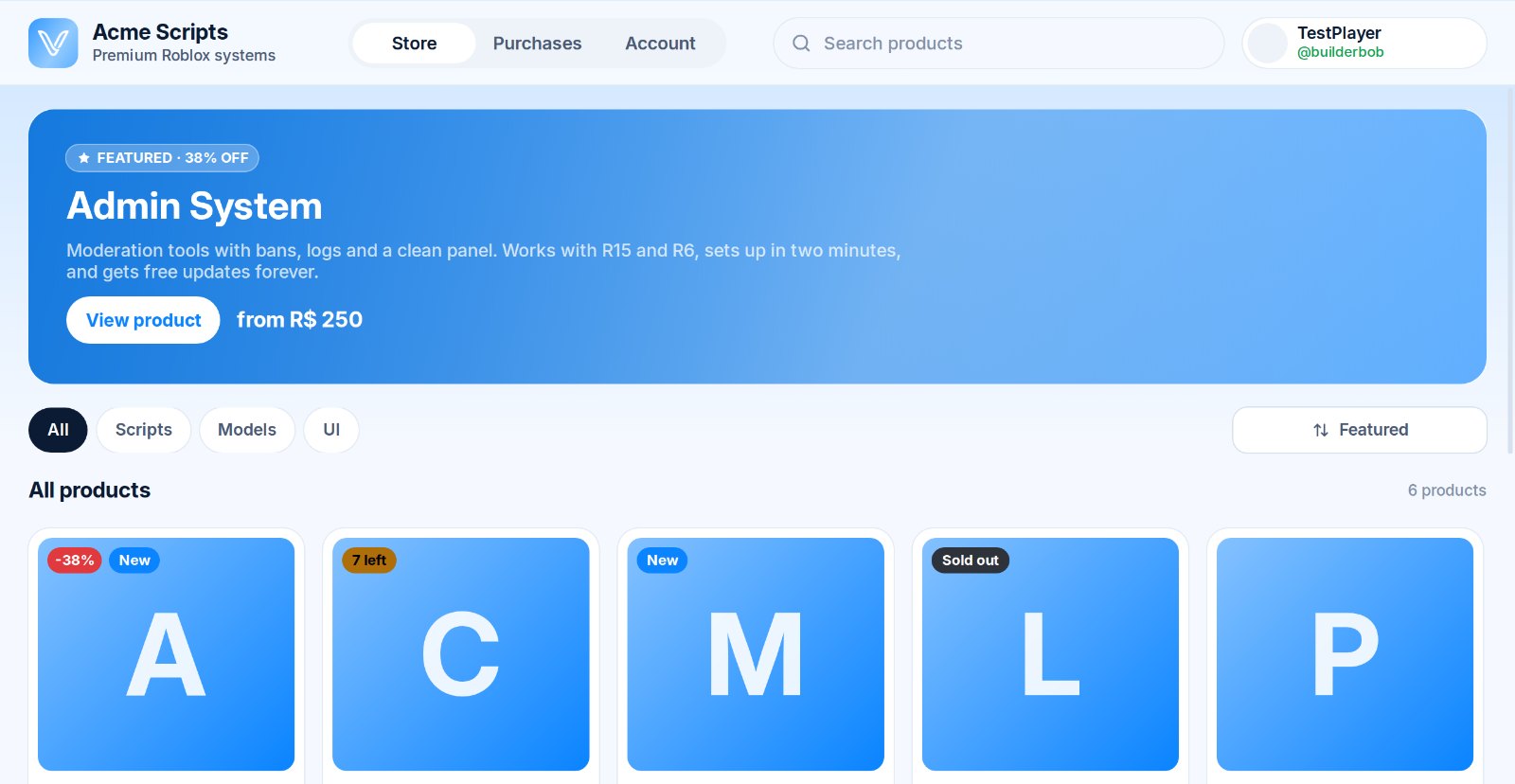
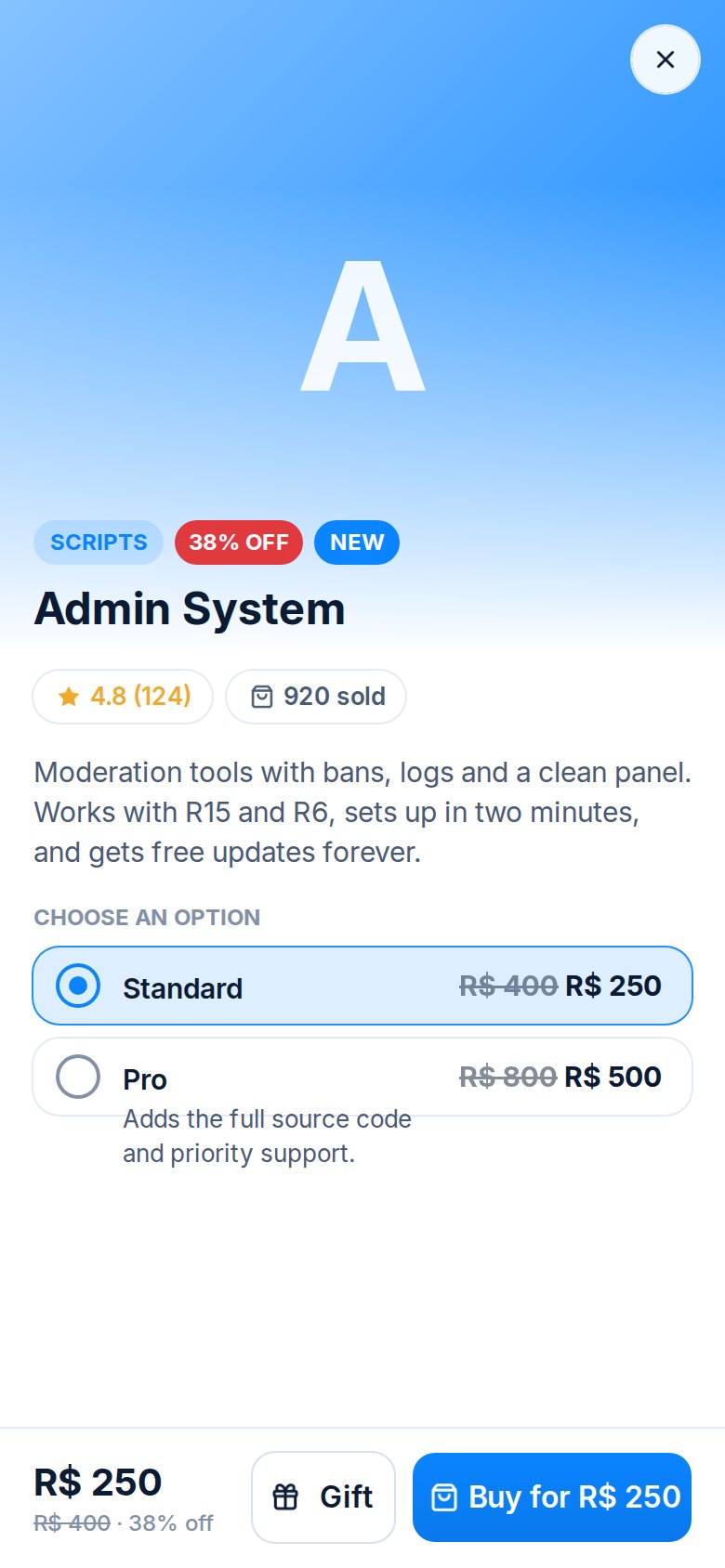
Every server gets its own ready-made hub game. Just open it in Studio and publish. It works on PC, phone, tablet and console.
Vendora gives your Discord server a beautiful Roblox store hub. Players buy or gift with Robux, and products arrive in their DMs in seconds.
Everything a Roblox creator needs to sell, and nothing to pay for.
Every server gets its own ready-made hub game. Just open it in Studio and publish. It works on PC, phone, tablet and console.
Files, text, links, license keys and Discord roles land in the buyer’s DMs the second Roblox confirms the payment.
Players can buy any product for a friend by username. The recipient gets it in Discord automatically.
New hub versions are published to every store’s game automatically. No re-downloading, no copy-pasting.
Signed requests, approved games only, one-click key reset and fully obfuscated scripts. The real logic never leaves our server.
Sell with Robux in-game, or connect your own PayPal and Stripe. Money goes straight to you.
Buyers accept your Terms of Service and link Discord before they can enter your hub.
Sales, products, orders and hub status on the web and in Discord. Manage your store from anywhere.
Your hub is its own Roblox game, made only of clean UI. It uses your name, colours and logo and updates live when you change products in Discord.
Invite Vendora and run /setup. Name your store, pick a colour and choose a sales log channel.
Add products in Discord or on this website. Deliver files, text, links, license keys or roles.
Download your hub, open it in Studio and publish. Share the link, and sales start arriving.
No premium tier and no locked features. Every store gets everything.
Yes. There are no fees, no subscriptions and no cut of your sales. Robux go to your game through Roblox, and PayPal/Stripe payments go straight to your own account.
In their Discord DMs, instantly. They can also open any purchase on this website to copy keys and download files, or ask the hub to send it again.
No. Download your hub, open it in Roblox Studio and follow the guide on screen. It takes about five minutes.
Each hub is locked to your store with a private key, only runs in games you approve, and is fully obfuscated. Products, prices and delivery live on our servers, so a copied hub does nothing.
Connect Roblox in /setup with the universe-places permission and updates are published to your hub game automatically. Players in older servers get a one-click rejoin.
That’s where products are delivered. Linking also stops mistakes like buying twice, and lets buyers re-download their purchases at any time.

Join the creators selling with Vendora. It takes five minutes.